
Create from Scratch
The scratch flow is best when you want Vivd to compose a site around your own inputs rather than adapt an existing URL.
Before you start
Section titled “Before you start”- Write a short description of the business, offer, and audience.
- Collect a few useful assets such as logos, team photos, or product images.
- Decide what kind of tone you want: practical, premium, editorial, playful, minimal, and so on.
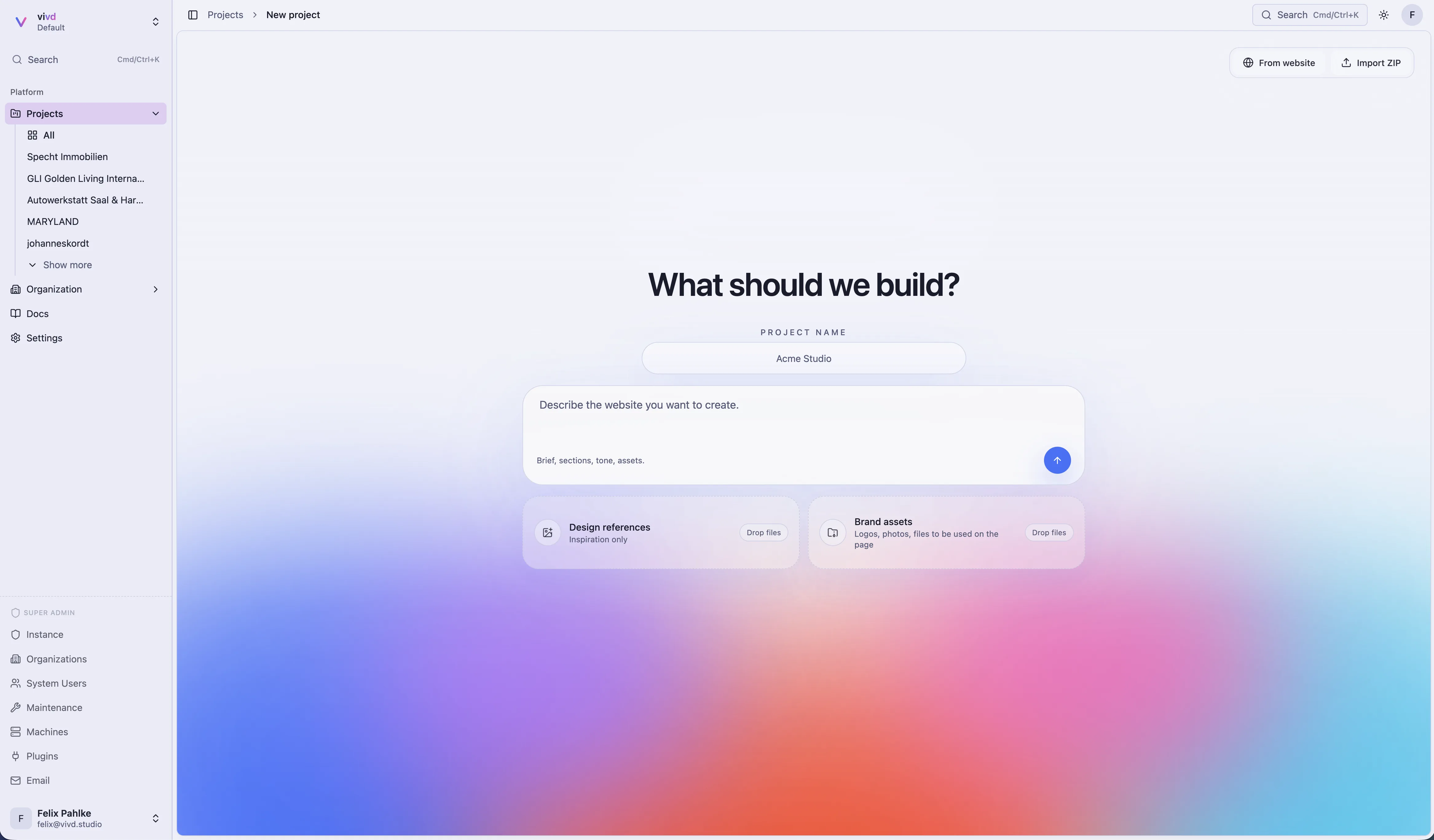
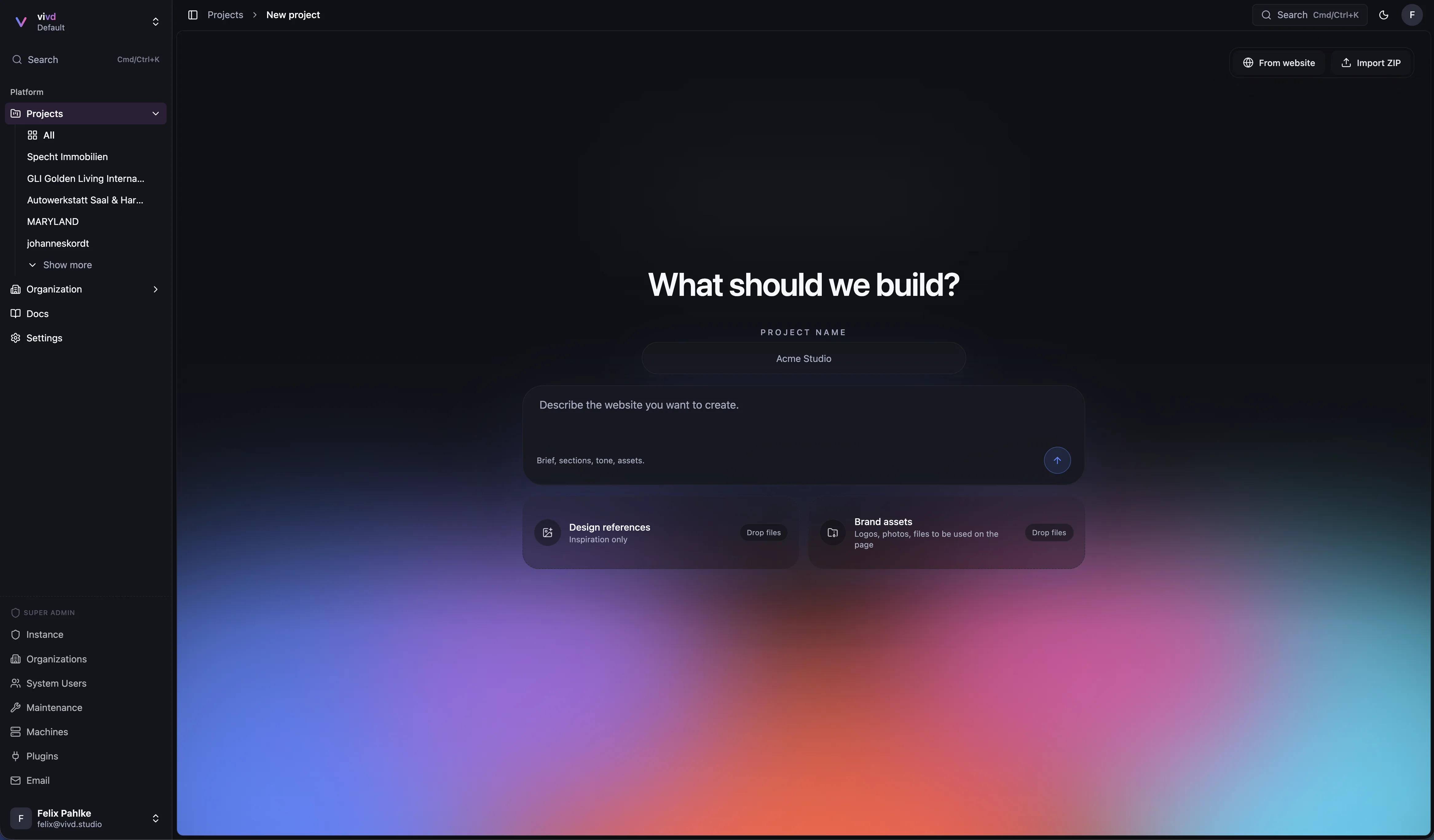
- Click New project. Vivd opens the scratch flow directly.
- Add the core business details and context.
- Upload any assets that should influence the draft.
- Set the creative direction and quality expectations.
- Start generation and review the preview concept.
What makes the first draft better
Section titled “What makes the first draft better”- Concrete description of the offer, not just industry keywords.
- A clear desired tone and audience.
- Real assets instead of placeholder expectations.
- A short note about what matters most on the first screen.
Visual direction and themes
Section titled “Visual direction and themes”The scratch flow is not only about collecting business facts. It is also where you set the visual direction that shapes the first version.
- Use design references to signal layout energy, density, photography feel, and overall mood.
- Use brand assets to anchor the draft in real colors, logos, and imagery instead of placeholders.
- Say the intended tone directly, for example calm editorial, premium minimal, bold modern, or playful.
- If you already know the desired theme direction, mention it explicitly instead of hoping the first pass infers it.
Expected result
Section titled “Expected result”Vivd produces a first site version and preview direction that you can then tighten in Studio.
Next step
Section titled “Next step”Use Edit in Studio to shape the generated structure into the final site you want.