
How Vivd Works
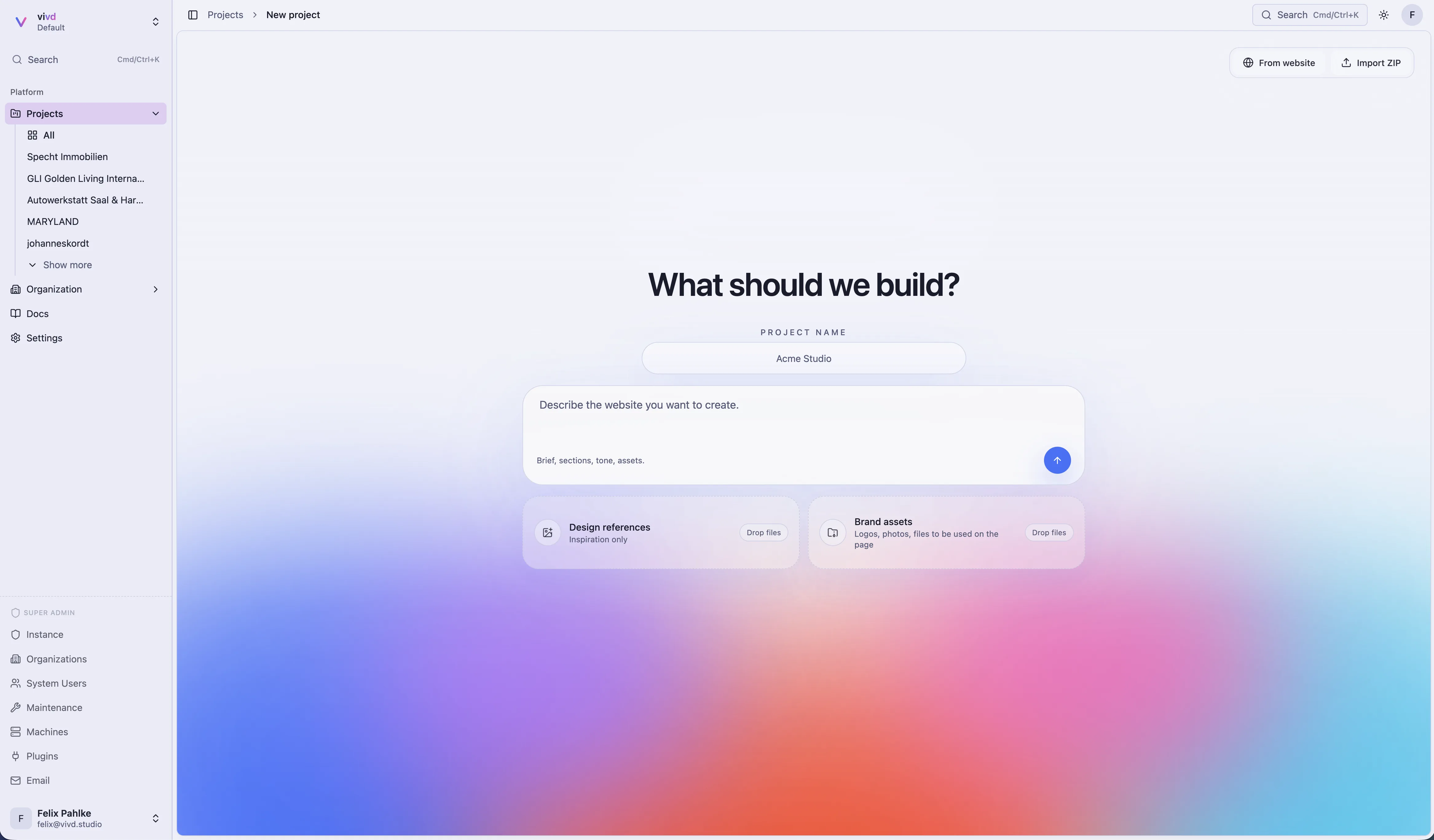
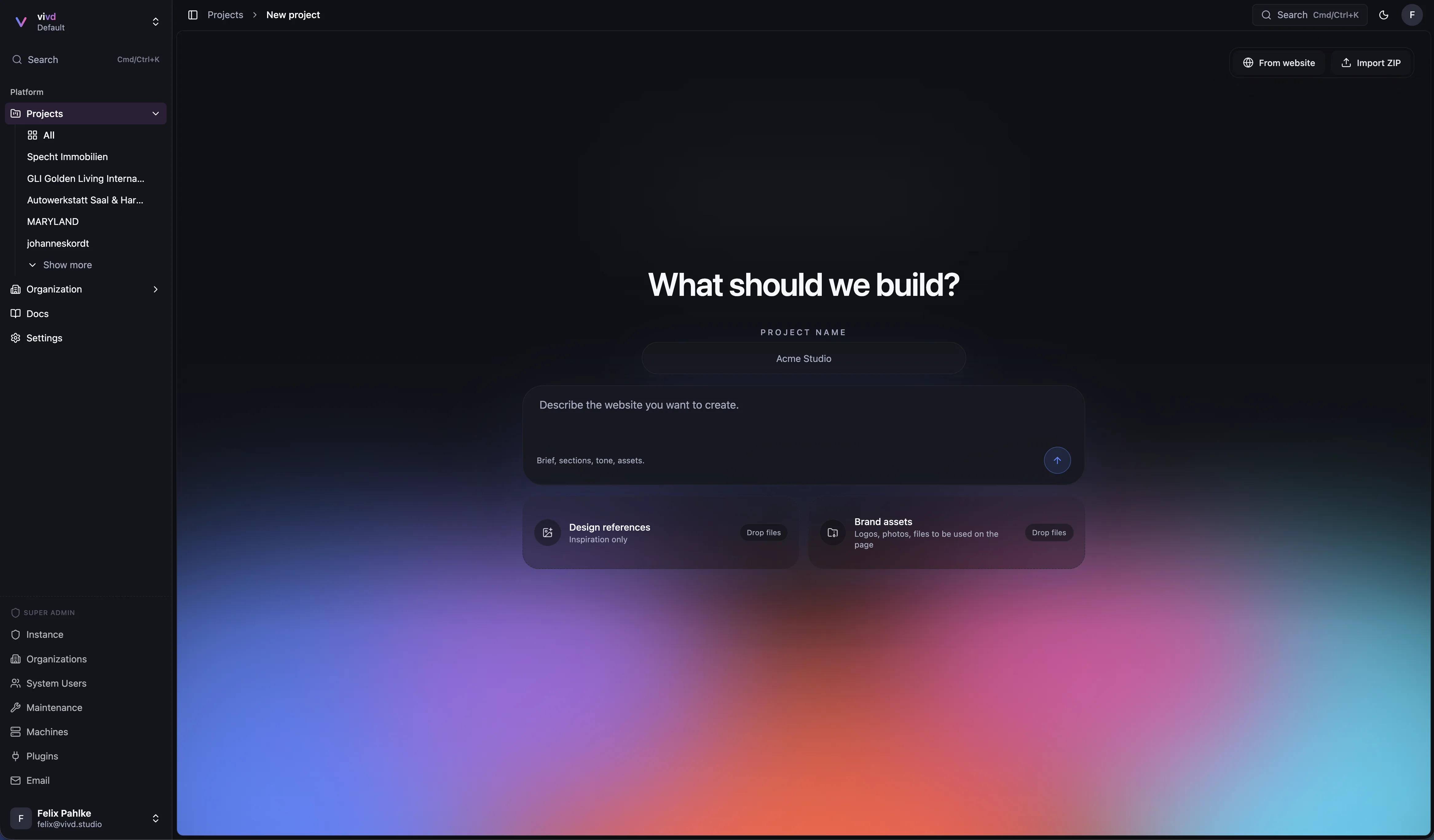
Vivd is not just a prompt-to-template generator. It runs an AI coding agent inside your website’s real source files, then keeps preview and publishing much simpler than a typical custom-code setup.
If you want a rough mental model, Vivd is closest to:
- a WordPress-like focus on getting sites live without a lot of ops work
- a Lovable-style AI-native editing experience
- but backed by your website’s actual files and real development tooling
Core idea
Each website has real source files, not a hidden internal representation. Vivd works against those files, which is why it can be much more flexible than a boxed-in template builder.
In practice, that means Vivd can work at the same level a developer would:
- edit source files
- update layouts, components, content, and styles
- use framework tooling
- install dependencies when needed
- run website-specific workflows inside the isolated environment
Studio is more than chat
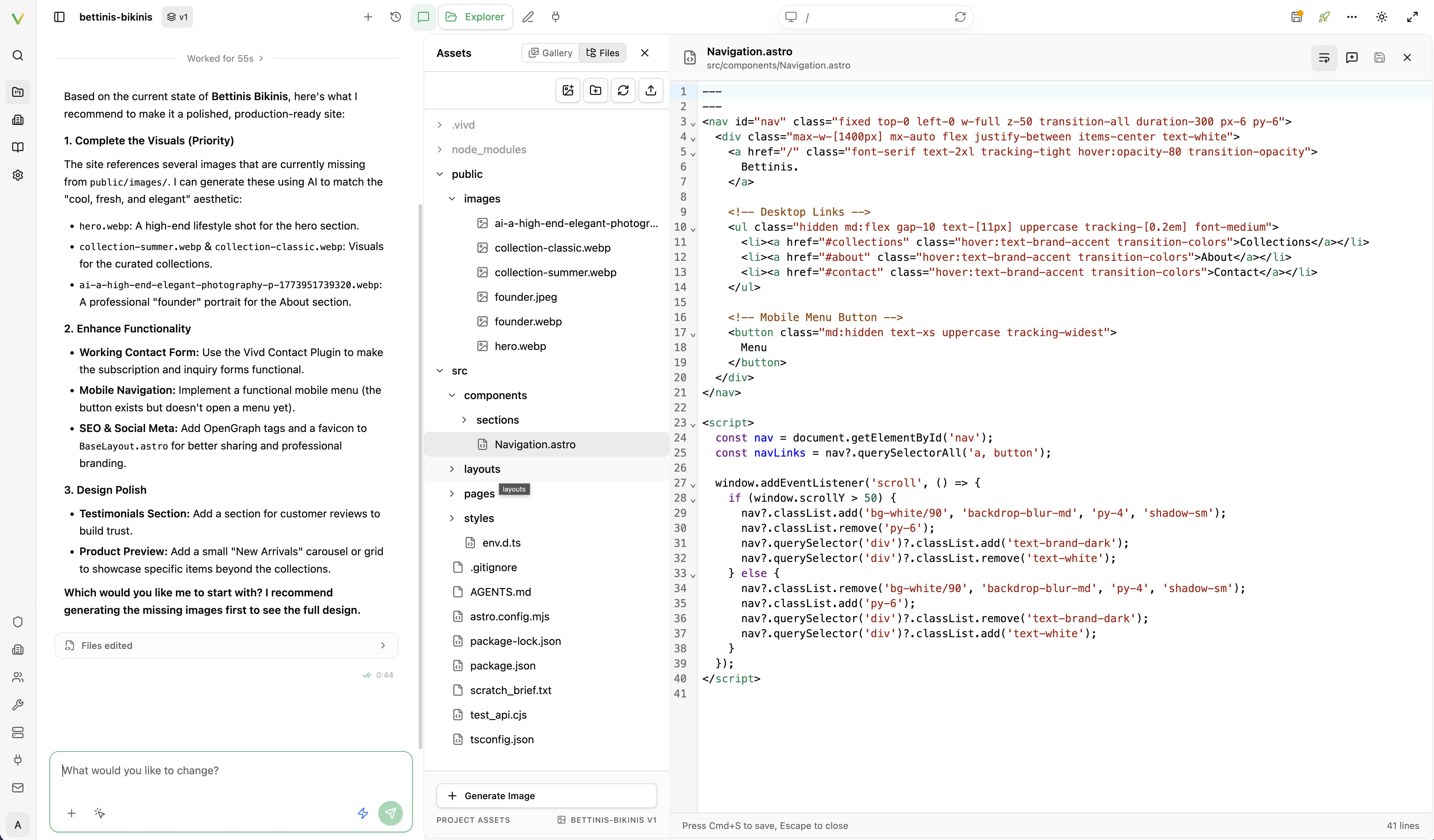
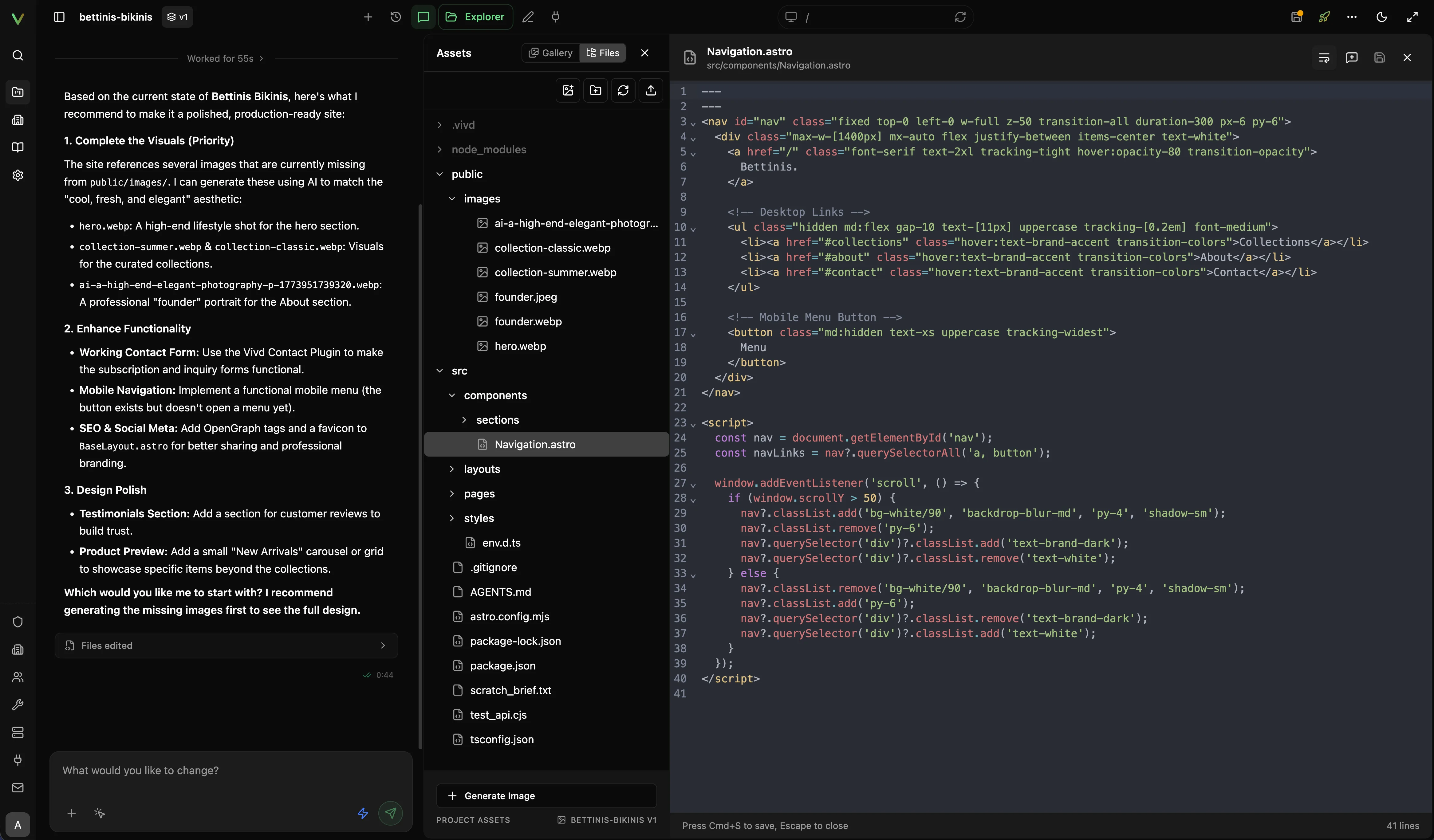
Vivd Studio is not only a chat view. It combines several ways of working on the same website:
- AI-driven edits from the chat
- direct text selection and in-preview editing
- an asset and file explorer for uploads, organization, and file-level changes
- a live preview canvas tied to the current state of your files
- a Content view over your website’s own Astro content collections
- a browser Vivd can use to open and inspect public websites for reference
That matters because Vivd is not trying to force everything through prompts alone. You can mix higher-level AI changes with direct adjustments in the same environment.
Isolated Studio machines
When you open Studio, Vivd does not drop every user into one shared editor process. It gives that website its own isolated Studio environment.
That isolation is one of the main reasons Vivd can be both powerful and safer:
- work on one website is separated from your other websites
- each environment can be stopped and restarted independently
- edits happen inside a dedicated environment instead of a global shared shell
The underlying hosting provider depends on deployment, but the product model stays the same: isolated Studio environments around your website’s real files. On single-host self-host setups, that usually means Docker-isolated Studio machines. On larger hosted or managed setups, it can mean a provider such as Fly Machines.
What runs inside that Studio environment
The isolated Studio environment is effectively the working machine for one website. It is where Vivd runs:
- your website’s real source files
- the coding agent itself
- the website’s own preview server when it needs one
- the preview-serving routes that feed the Studio UI
So when you look at the page inside Studio, that preview is not a fake mockup. It is coming from the isolated environment that is currently holding your files and serving the website back into Studio.
A real coding agent inside your files
Vivd runs a full coding agent inside the Studio environment and wraps it with Studio’s own interface and product-specific tools.
That gives you two layers at once:
- general coding power inside your website’s real files
- Vivd-aware tools for things like plugin info, publish-checklist context, and image flows
This is why Vivd can feel much less constrained than a visual-only builder. It is working inside your actual website, not inside a narrowed block editor.
Astro-first Studio workflow
The newer Studio-led “start from scratch” flow works from an Astro + Tailwind starter, and Vivd keeps your website as Astro instead of replacing it with a private internal format.
That means Vivd is shaping a real website structure with real source files.
You can also begin from one of the eight built-in templates in the scratch flow. A template applies a real starting point, so it narrows the first generation rather than locking your website into a theme you cannot change later.
Structured content stays Astro-native too. src/content.config.ts and the entry files
under src/content/ are the source of truth, and the CMS toolkit files that Vivd
installs into src/lib/ are what connect those values to click-editing in the preview.
vivd cms validate checks that layer without a running environment, and
vivd cms helper status reports whether the toolkit files still match.
Vivd also supports plain static websites, but the current Studio-first creation flow is increasingly centered on Astro because it offers a strong balance of:
- modern component-based structure
- static-site performance
- flexible content/layout composition
- straightforward preview and publish behavior
Bucket-backed persistence
Vivd treats object storage as the durable source of truth for your website’s saved files.
At a high level, Vivd stores:
- source artifacts
- preview artifacts
- published artifacts
- the chat state Studio needs to reopen your work
When a Studio machine starts, it can restore your files from object storage. When work finishes or sync is triggered, it can push the latest state back out.
That design makes restart and reuse much more practical because your website does not only live on one machine’s local disk.
Installs that keep website repositories on GitHub can also pull them in.
The GitHub Sync panel in Studio shows the repository, how far your files are ahead of
and behind the remote, and offers a pull or a force sync that replaces them with
GitHub’s main after taking a local backup.
Local bucket or external bucket
You have two main storage directions:
Bundled local S3-compatible storage
This is the easiest self-host path. It keeps storage inside the stack with the bundled MinIO/local S3-compatible setup.
Good fit for:
- single-host installs
- smaller self-host deployments
- people who want the fewest external dependencies
External S3-compatible storage
If you want a more scalable or already-standardized storage setup, Vivd can use an external S3-compatible bucket instead.
That includes options like:
- generic S3-compatible storage
- Cloudflare R2
- other external bucket providers exposed through S3-compatible APIs
Good fit for:
- larger self-host installs
- teams that already have object-storage infrastructure
- setups that want storage independent from the main app host
Docker or Fly
Vivd supports more than one hosting path for Studio machines.
Docker provider
The Docker provider is the practical single-host/self-host path. It keeps Studio environments on the same machine while still isolating them from the main app process.
Fly provider
The Fly provider is the scalable machine path. It is the production-oriented model when you want Studio environments to scale more like dedicated app machines instead of sharing one host.
The important point is that Vivd keeps a similar product model across both:
- isolated Studio environment
- your website’s real files
- object-storage-backed persistence
- managed preview/publish flow on top
Builds get a reduced environment
To build a website, Vivd installs its dependencies and runs its Astro build. Both steps run the website’s own code, including the install scripts of its packages. That code does not get the environment of the Vivd backend. It gets a fixed list of settings, so no key or token you configured for Vivd is within reach of a website’s code.
These settings reach a build when the backend has them:
- the proxy settings
HTTP_PROXY,HTTPS_PROXY,NO_PROXYandALL_PROXY, also in lower case - the certificate settings
NODE_EXTRA_CA_CERTS,SSL_CERT_FILEandSSL_CERT_DIR NPM_CONFIG_REGISTRYandNPM_CONFIG_CACHE, which say where packages come from and where they are cachedNODE_OPTIONS,NODE_ENVand basics such asPATH,HOMEandTZ
Everything else is dropped. That includes registry logins (NPM_TOKEN, NODE_AUTH_TOKEN,
NPM_CONFIG_USERCONFIG) and tool settings such as SHARP_* and PUPPETEER_*.
.env.example in the repository names the settings. docker-compose.prod.yml passes the
backend only the names it lists, so add a proxy, certificate or registry setting under the
backend service’s environment: as well.
Private package registries
A website whose dependencies need a registry login cannot be built today. Vivd has no way
to hand a token to an install, and that is on purpose. The install runs the website’s own
scripts, and they could read the token. A .npmrc file among a website’s files counts as
a secret file and is left out when the website is imported or pushed.
Do not work around this with a token in a file on the machine that runs the builds, such
as an .npmrc in a home directory. The install scripts of a website could read that file.
A registry that needs no login works, for example a mirror inside your own network. Set
NPM_CONFIG_REGISTRY on the backend. It applies to the builds the backend runs. Studio
machines install dependencies with a reduced environment of their own, and it has no
registry setting, so the mirror does not apply there.
Why this is powerful
Vivd is flexible because it is not forcing the AI to stay inside a tiny set of allowed theme settings or page blocks.
Vivd is working in a real website with real tooling, which means it can handle work like:
- structural redesigns
- component and style refactors
- Astro component edits
- content and asset updates
- plugin-related implementation work
- publish-readiness cleanup
That is the reason Vivd can feel much more open-ended than traditional site builders.
Why this is still easier than rolling your own
Even with that flexibility, Vivd is still trying to remove the annoying platform work.
It brings together:
- isolated environments
- restoring and syncing your files
- preview and publish handling
- domain and self-hosting workflows
- install-time defaults that work out of the box
So the goal is not “developer power at the cost of simplicity.” The goal is developer-grade flexibility with a much easier path to getting the site live.
Related pages
- Read Getting Started for the quickest path to your first website.
- Read Instance Settings for install-wide defaults.
Read Domains & Publish Targets for domain and launch rules.