
Features
Vivd is built to cover the whole website workflow instead of only the first prompt. You can start a website, refine it in Studio, add launch-critical platform capabilities, and publish the result without stitching together a separate stack of tools around it.
What Vivd is for
Vivd builds websites that present a business, a practice, a restaurant, a studio, a person or an event. A Vivd website can have:
- pages you edit yourself, and collections such as a menu, a team, events or blog posts that you manage in Content
- Forms for contact, quotes, callbacks, reservation requests, event registrations and applications
- a Newsletter signup
- Buy buttons to sell a few products with Stripe payment links, such as vouchers, prints or course seats
- visitor numbers in Analytics
- your own domain, on Pro
- motion sites that open with an animation playing as the visitor scrolls, on Pro
Some things are outside what Vivd builds. Each one has a nearby option:
| Vivd doesn’t build | What to do instead |
|---|---|
| A full online shop with a cart, stock and shipping | Link to or embed the shop service you use, for example Shopify. |
| Visitor accounts, logins and member areas | Every published page is public. To show a draft privately, share a preview link: Copy preview link in the website’s menu on the Websites page. |
| Custom app logic or your own database, such as a booking system | Take bookings as a reservation or inquiry request with Forms, or link to the booking tool you already use. |
| Connecting another service by signing in to your account there | Embed the service with its public link or the embed code it gives you. |
Core product capabilities
- Start from scratch with a business brief, design references, and brand assets, or pick one of eight built-in templates.
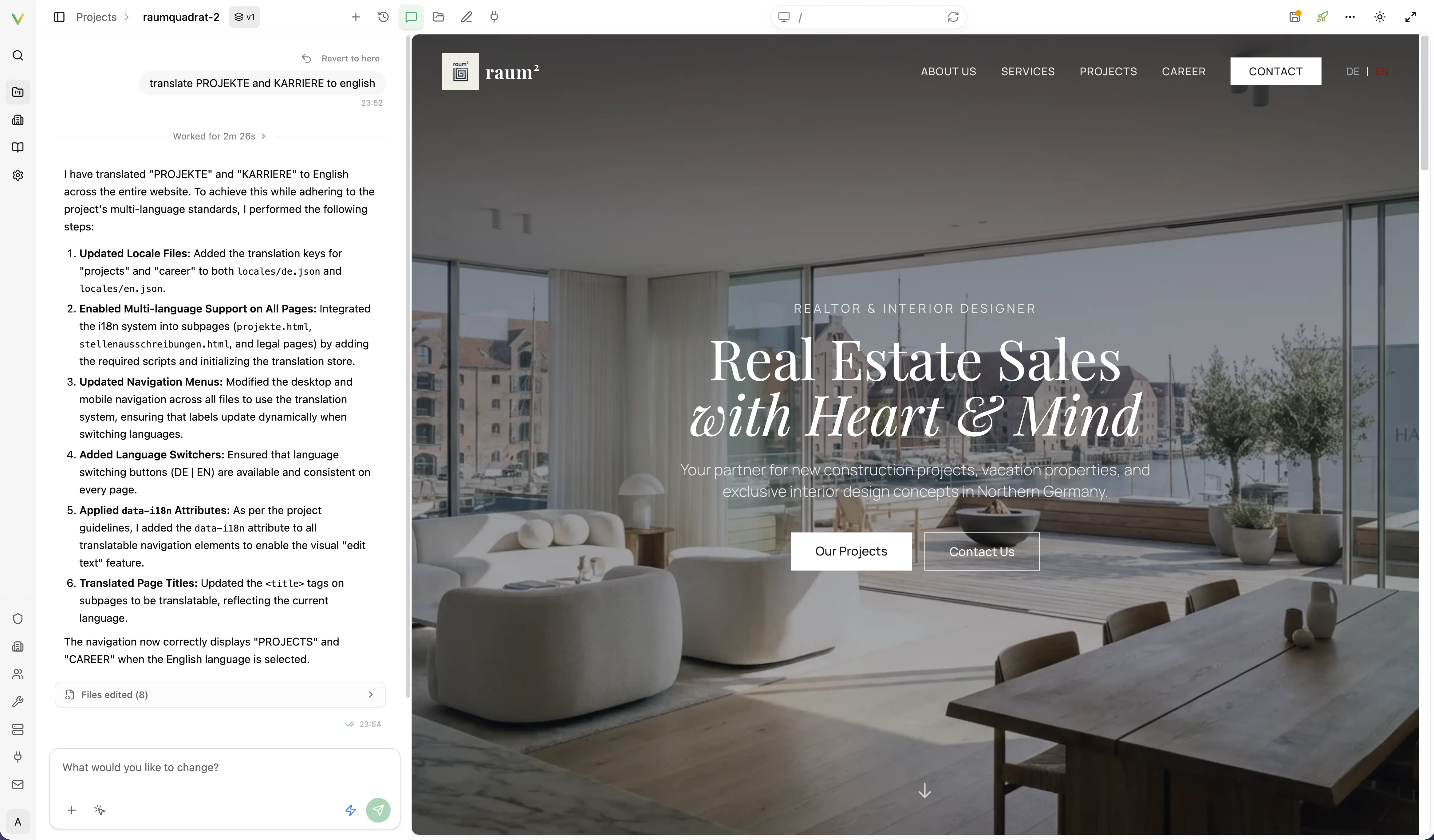
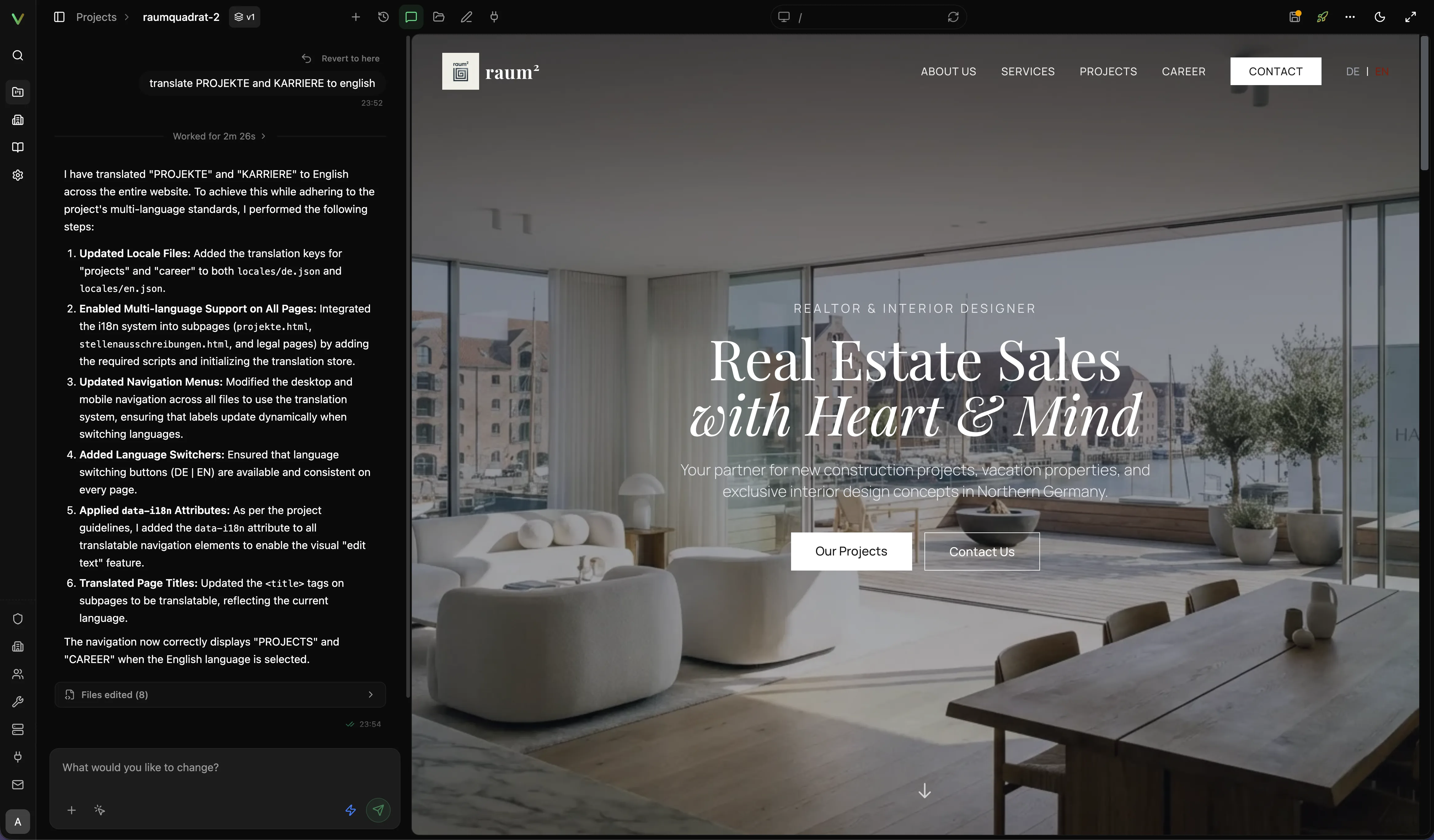
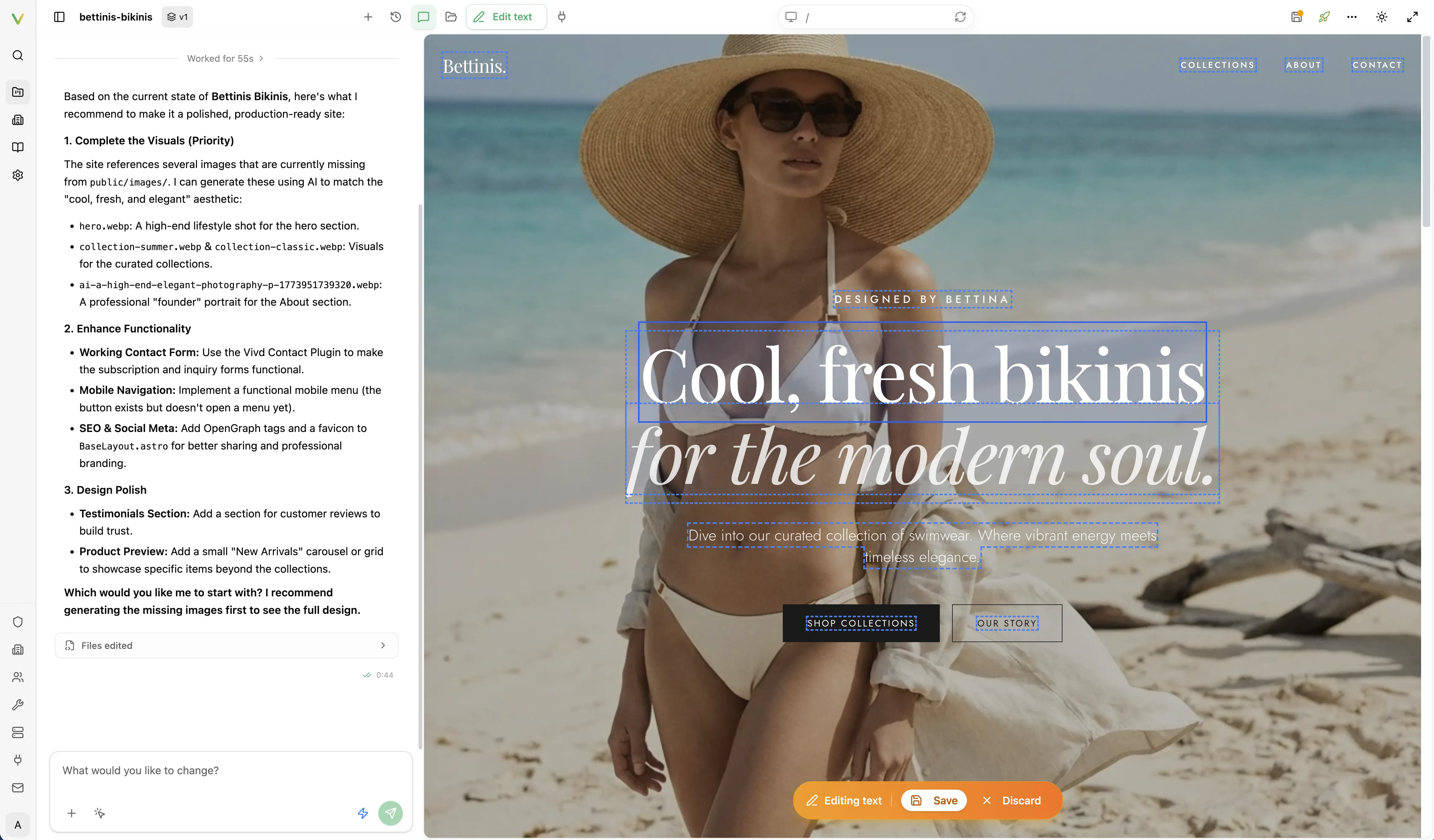
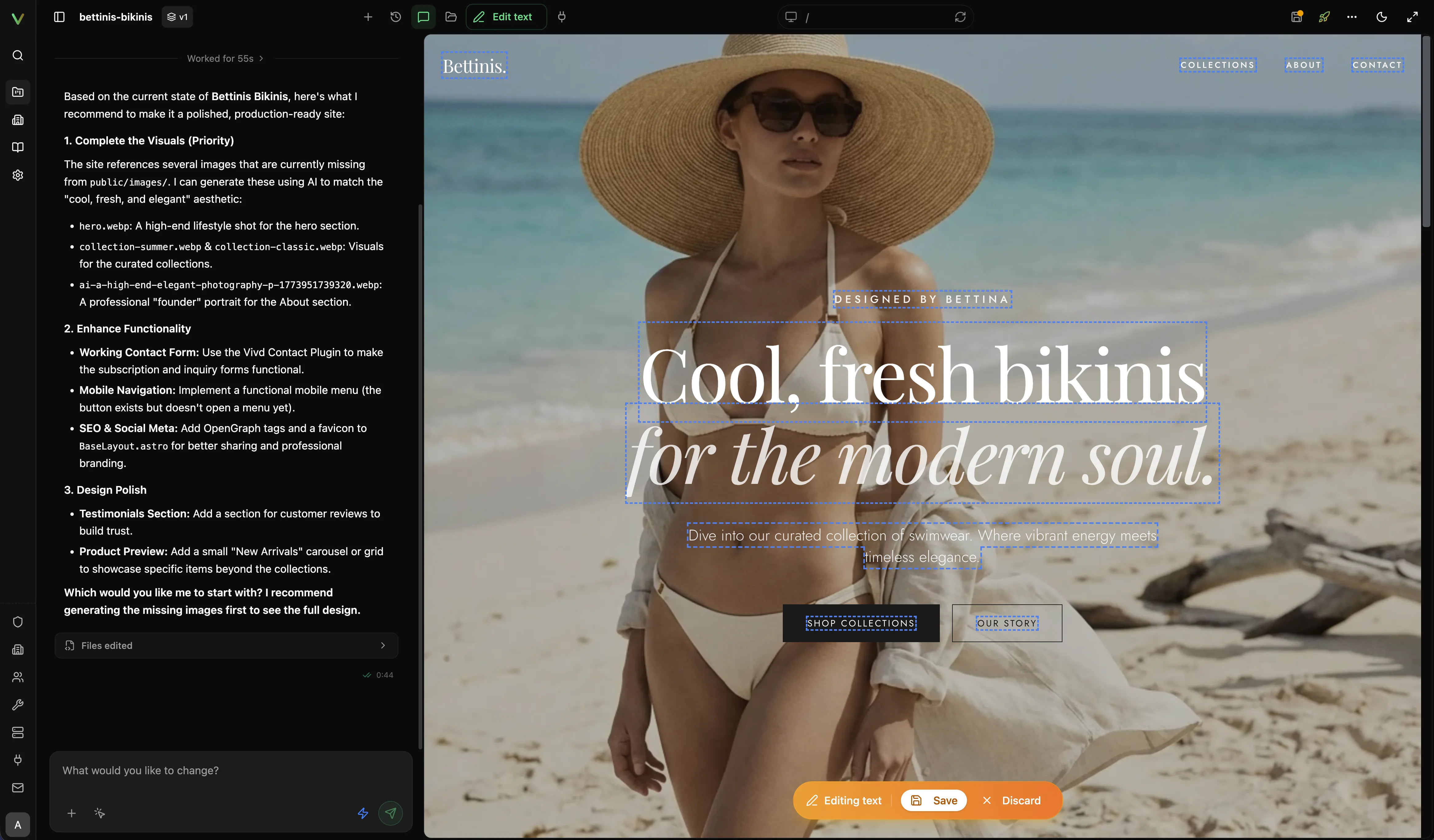
- Edit inside Studio with AI chat, direct text editing, live preview, and the asset/file explorer.
- Manage structured content in Content, backed by your website’s own Astro content collections.
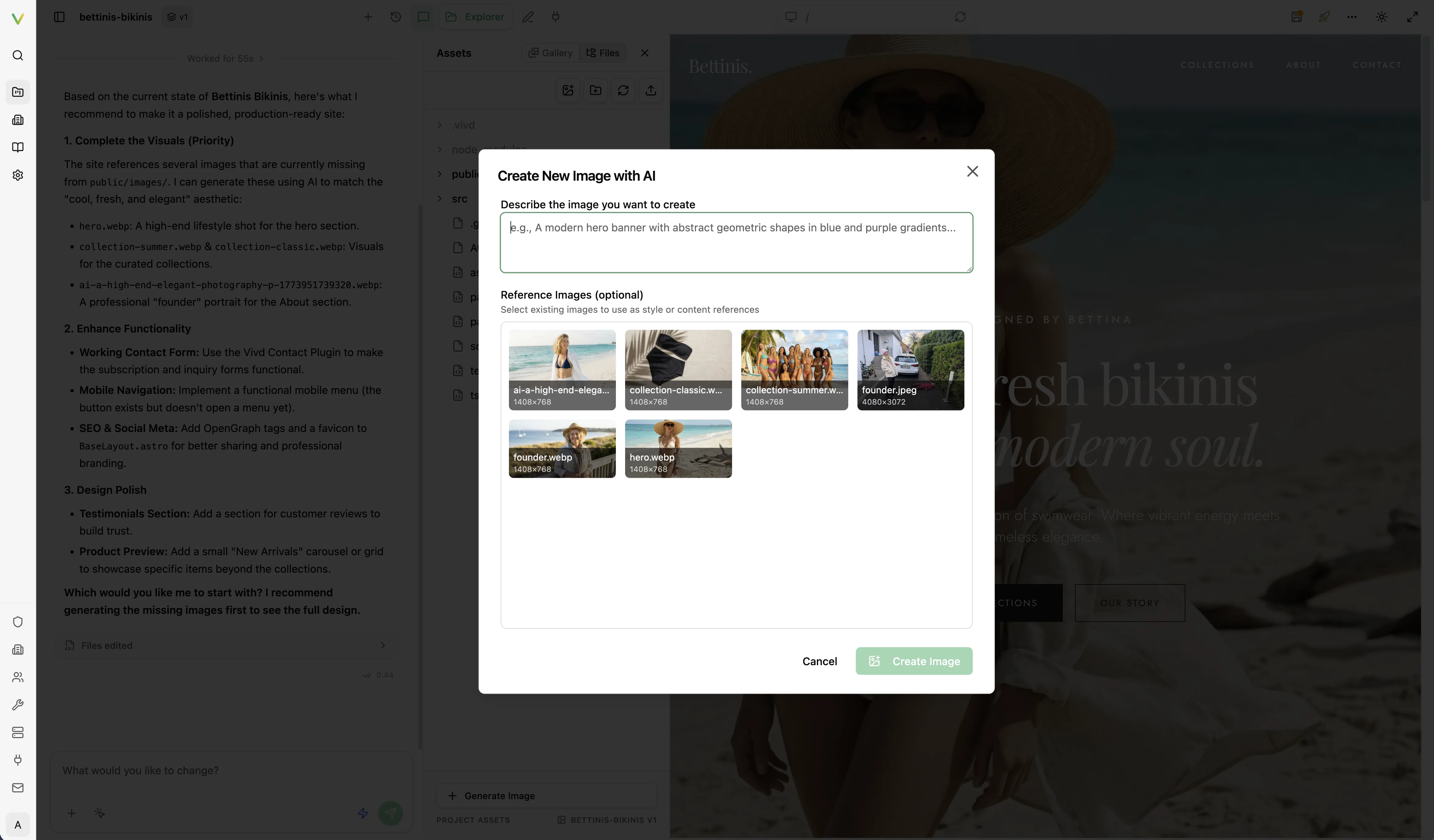
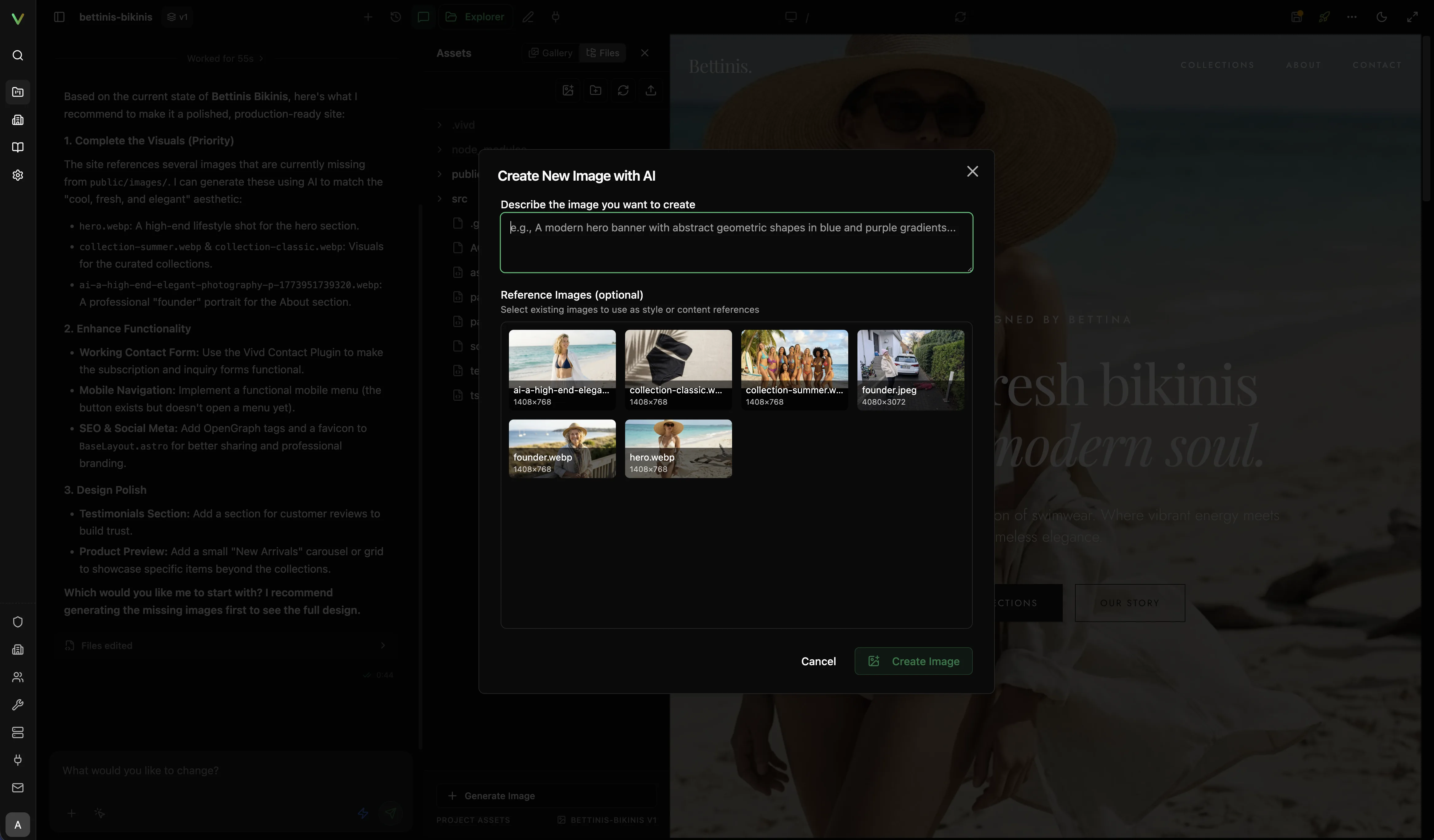
- Create new images with AI from the asset workflow.
- Edit and replace your website’s imagery with AI-assisted image workflows.
- Send Vivd to a public website to inspect it and capture reference screenshots.
- Configure plugins such as Forms, Analytics, Newsletter, and Google Maps on the same website.
- Pull your website from GitHub with GitHub Sync when the install has it configured.
- Work on a website from a folder on your computer with your own coding agent, such as Claude Code or Codex, and see each change live in Studio. See Work with your own coding agent.
- Publish the draft to the live domain without leaving the product workflow.
AI image creation and editing
Vivd treats image work as part of the same website workflow instead of a separate tool handoff.
- Create new imagery from prompts and references from your website.
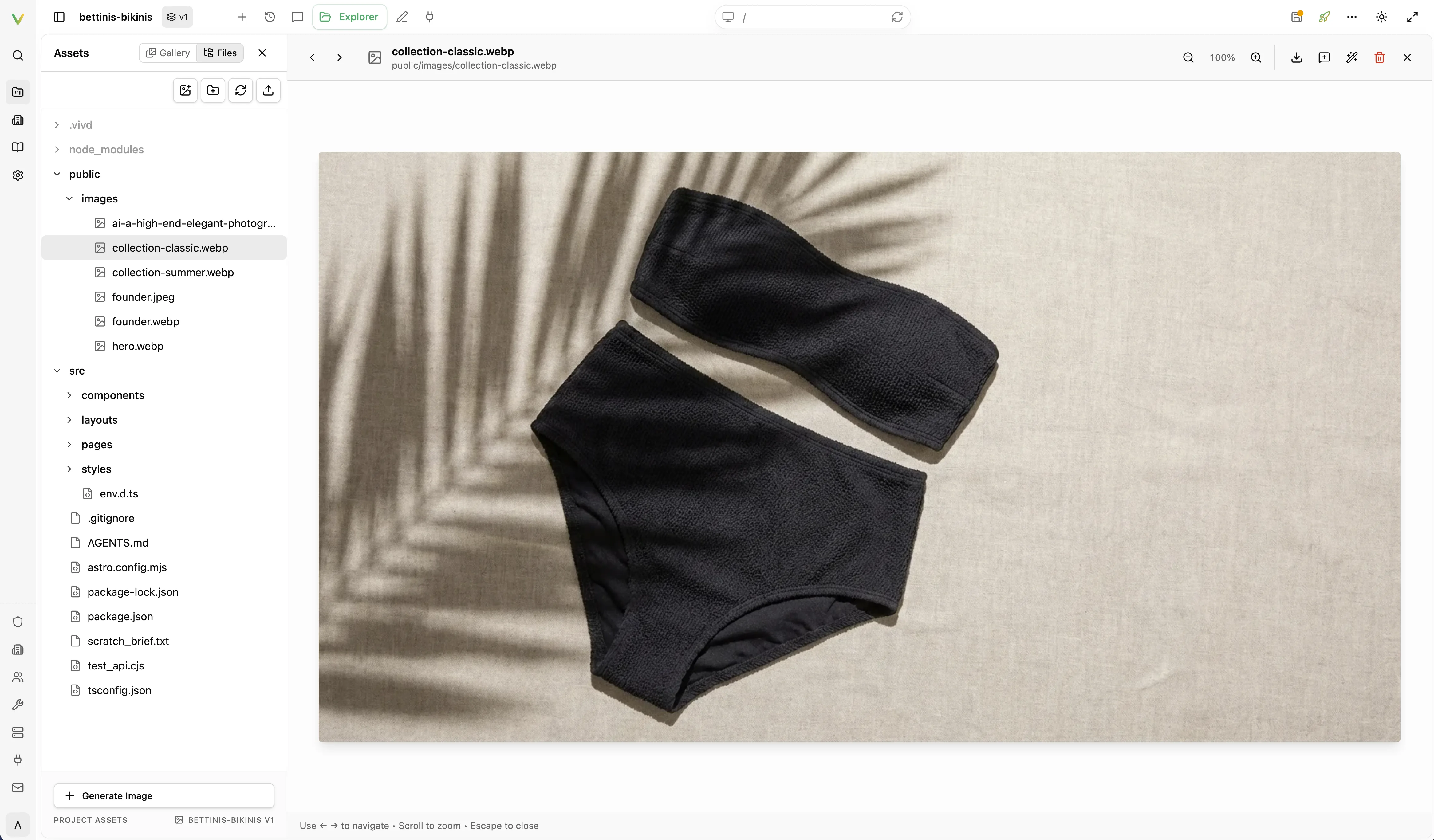
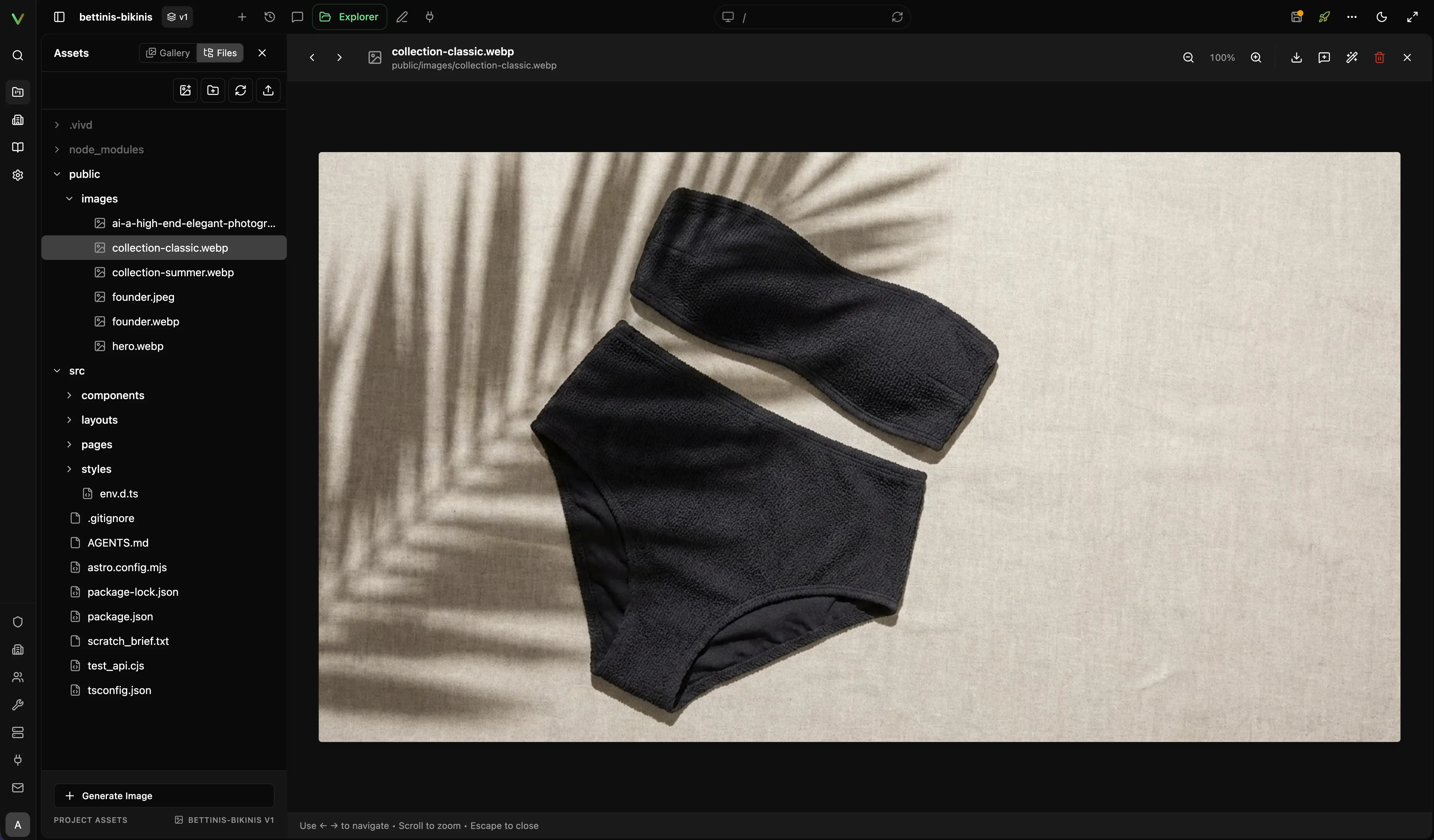
- Reuse your website’s assets as visual references when generating replacements.
- Review and replace your website’s images from the asset workflow without leaving Studio.
- On Pro, turn your images into short video clips, such as a gently moving hero or a camera move from one image into the next. Each clip asks for your Allow first and costs 4 Credits. See Video clips.
Templates as a starting point
The scratch flow opens with a template gallery of eight starting points. Brewery & Beer Garden and Coffee Roastery come first. They open with an animation that plays as the visitor scrolls, and their cards play a short muted loop. Anyone can preview them; starting from one with Use template is part of Pro. The other six are AI Production Studio, Restaurant & Bistro, Photography Portfolio, SaaS Product Site, Yoga & Wellness Studio, and Creator One-Pager. Click a card to see the template full size with its description and tags. Point at a card, or reach it with the keyboard, and it shows Use template and Preview. Use template makes it the structure the first generation starts from. Your brief, assets, and references still shape the result.
You can also ask the Vivd team to build a website like a motion template for you. Choose Have one built for you under its card. See Motion Sites.