
From first prompt to live site.
[ Start Here ]
Four steps to a live site
Every Vivd website moves through the same four stages, and the docs are organized the same way. New to Vivd? Read them in order. Everything else builds on this path.
- 01CreateStart from a business brief, brand assets, and design references, or from one of eight templates. Vivd generates the first real draft.Create from Scratch
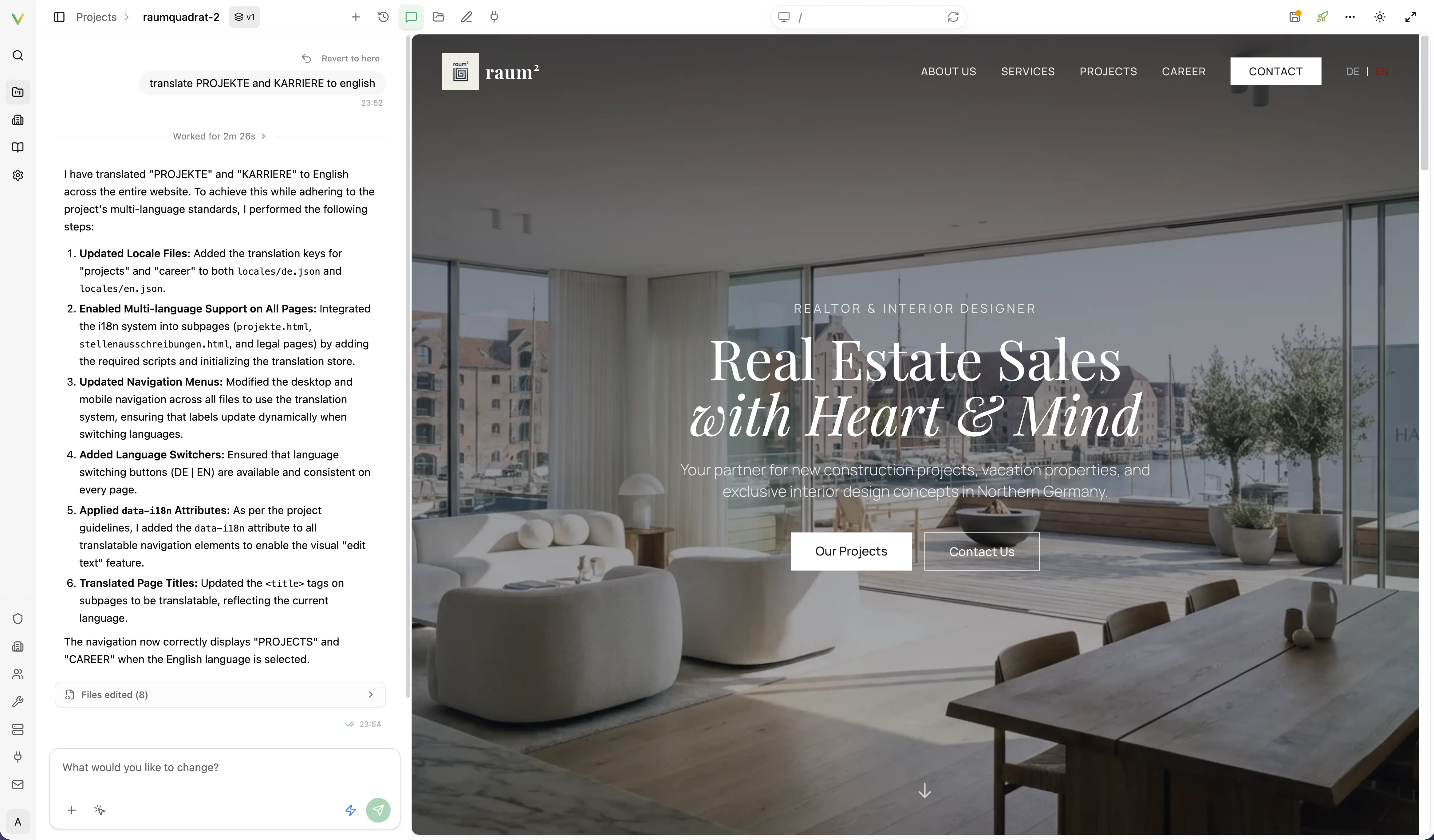
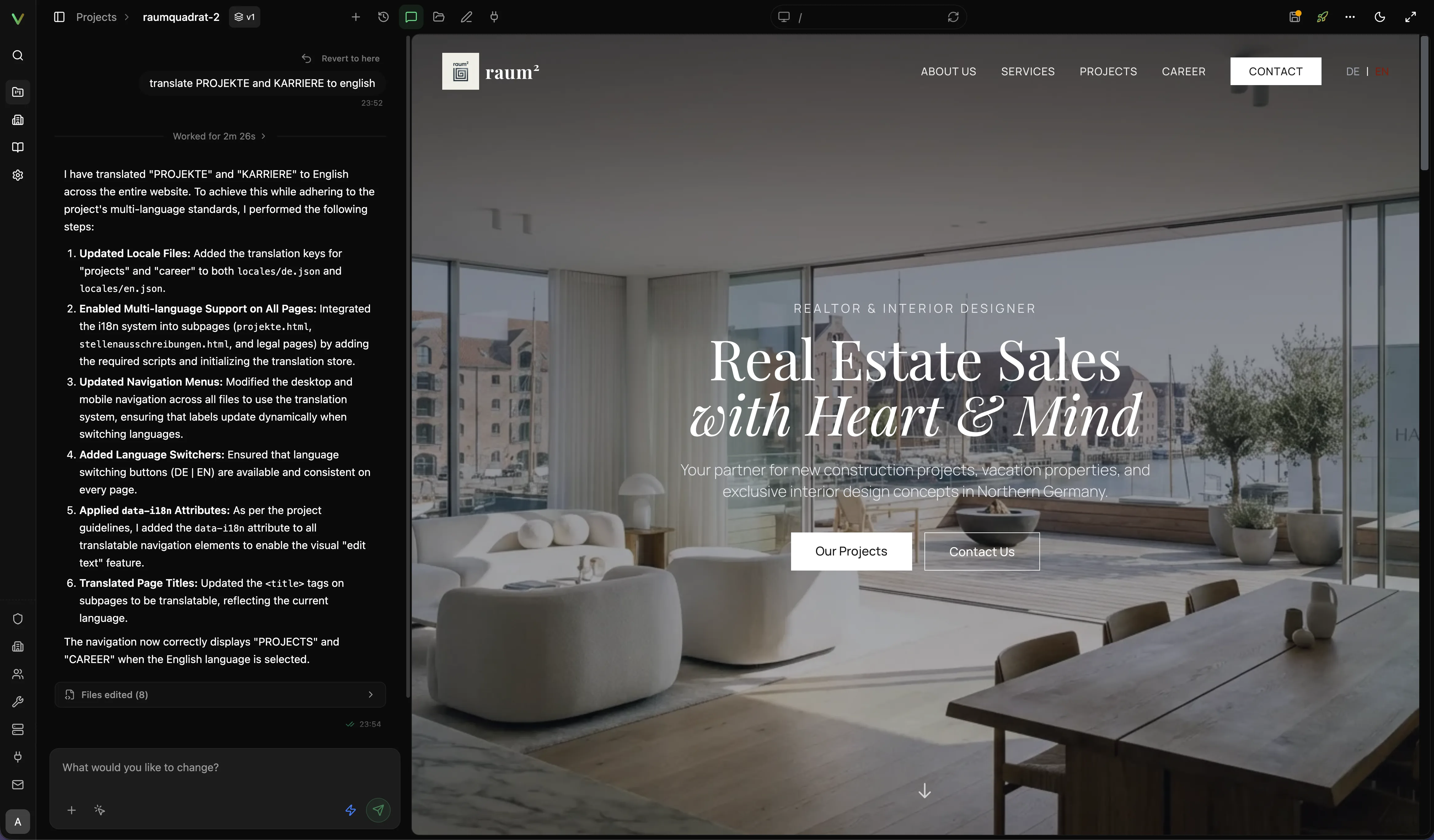
- 02EditRefine the draft with AI chat, direct text edits, and asset workflows inside Studio.Edit in Studio
- 03PublishMove the draft to live with the publish checklist, and know exactly what needs a republish.Publish Your Site
- 04OperateKeep the live site healthy: domains and publish targets, email identity, access, and troubleshooting.Domains & Publish Targets
[ Explore ]
Browse the docs
[ Hosted Plans ]
Hosted plans at a glance
- Up to 3 websites
- A free address on
vivd.sitefor every website - A small “Made with Vivd” link on published websites
- 10 one-time signup Credits
- Run GPT models on your ChatGPT Plus or Pro subscription instead of Credits
- Unlimited team members
- Unlimited websites and team members
- 3 custom-domain sites included
- 20 monthly included Credits
- Run GPT models on your ChatGPT Plus or Pro subscription instead of Credits
- 1 Contact Form license (2,500 submissions/month)
- 1 Newsletter / Waitlist license included
- No “Made with Vivd” link on your websites
- Motion templates with a scroll-driven animation
- Cinematic motion pages for your business, each video clip approved by you and paid in Credits
- All Pro features included
- We design, build, and launch your website
- Ongoing maintenance and small changes
- A dedicated contact
Pro is also available at $250/year or $25/month. Extra custom-domain sites cost €9/mo each. Plugin add-ons are available separately; see current prices and checkout. Your checkout currency is set by your billing country, and taxes are calculated at checkout. Existing custom agreements retain their agreed terms.
Free and Pro include unlimited team members, email support, and Vivd’s built-in guides for SEO and website design. You can buy additional Credits on demand; top-ups are separate purchases and do not change your plan. Included Pro Credits are granted monthly, including when you pay annually.
Have a discount code? Enter it at checkout when subscribing to Pro. Discounts change the subscription price, not the included features or Credits. The code’s terms determine how long the discount applies. Add-ons and Credit top-ups are priced separately.
[ Scope ]
What these docs cover
Covered here
- Creating, editing, publishing, and running your websites
- The isolated Studio environment and your website’s own files
- Domain registration, verification, and publish-target behavior
- Transactional email identity and delivery health
- Plugin setup, team access, and practical troubleshooting
Not covered
- Internal architecture deep dives
- Hosting-provider internals
- Contributor workflows
- Deep deployment-ops runbooks
Try it
Ready to build?
Request access to the hosted beta or explore the code on GitHub.