
Getting Started
Vivd is organized around a few simple concepts:
- Organization: the team or client space that owns projects.
- Project: one website workspace with versions, assets, plugins, and publish settings.
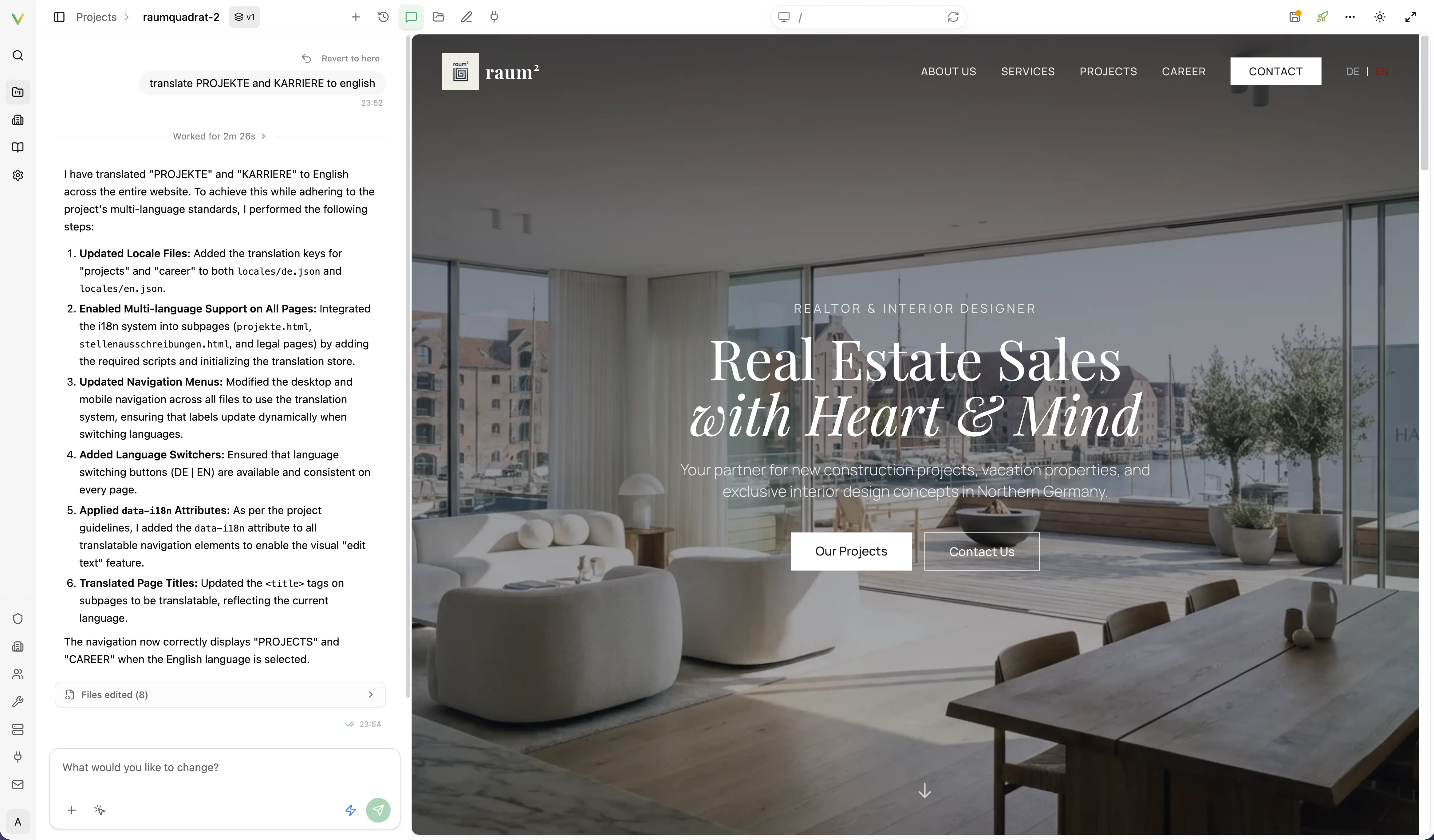
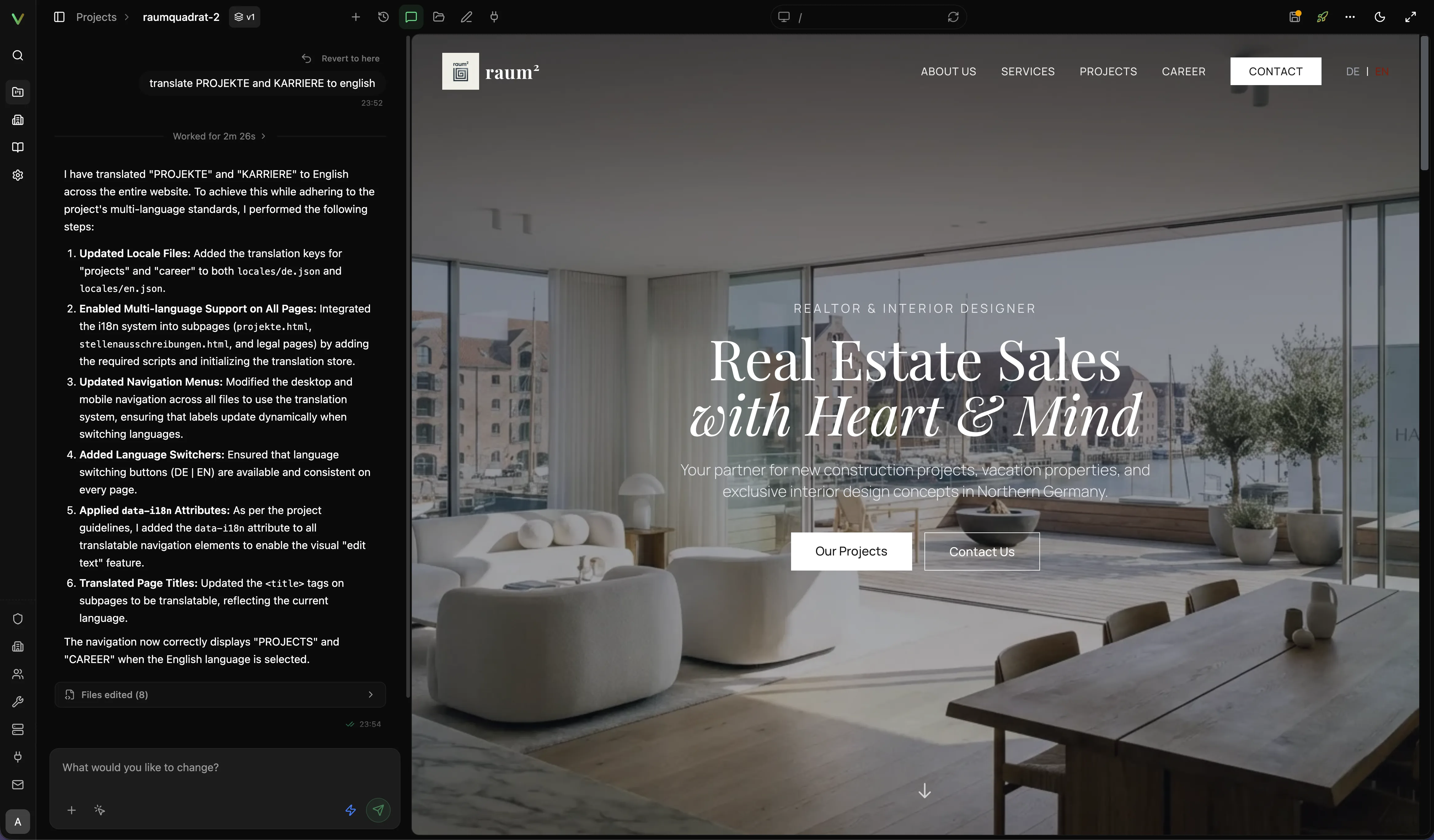
- Studio: the editing environment where you refine the site with AI and direct edits.
- Live site: the published result on your real domain.
Fastest path to a first live site
Section titled “Fastest path to a first live site”Prerequisites
Section titled “Prerequisites”- Access to a Vivd workspace.
- A website URL to import, or a clear business description and brand assets.
- A domain you want to publish to later.
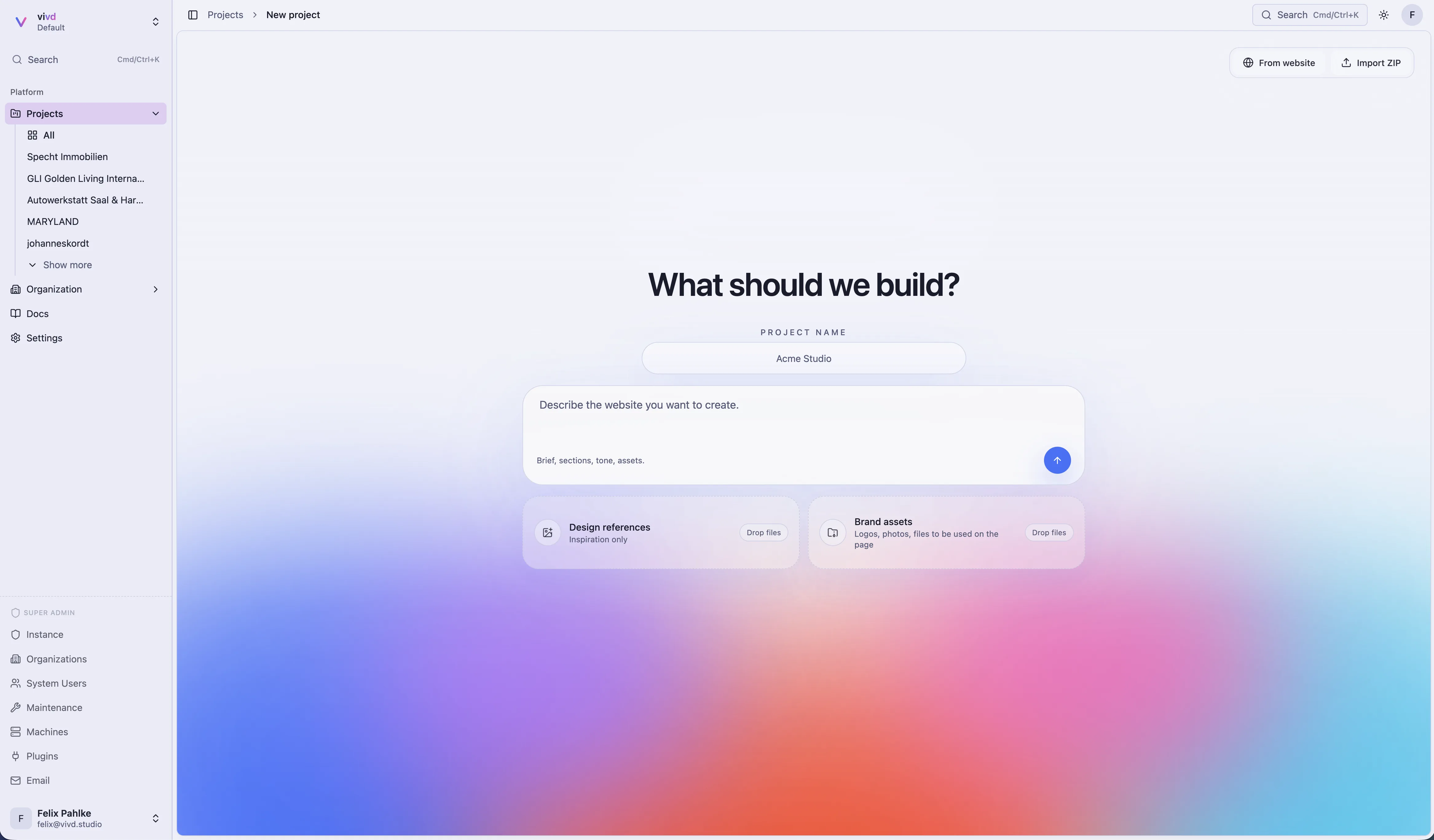
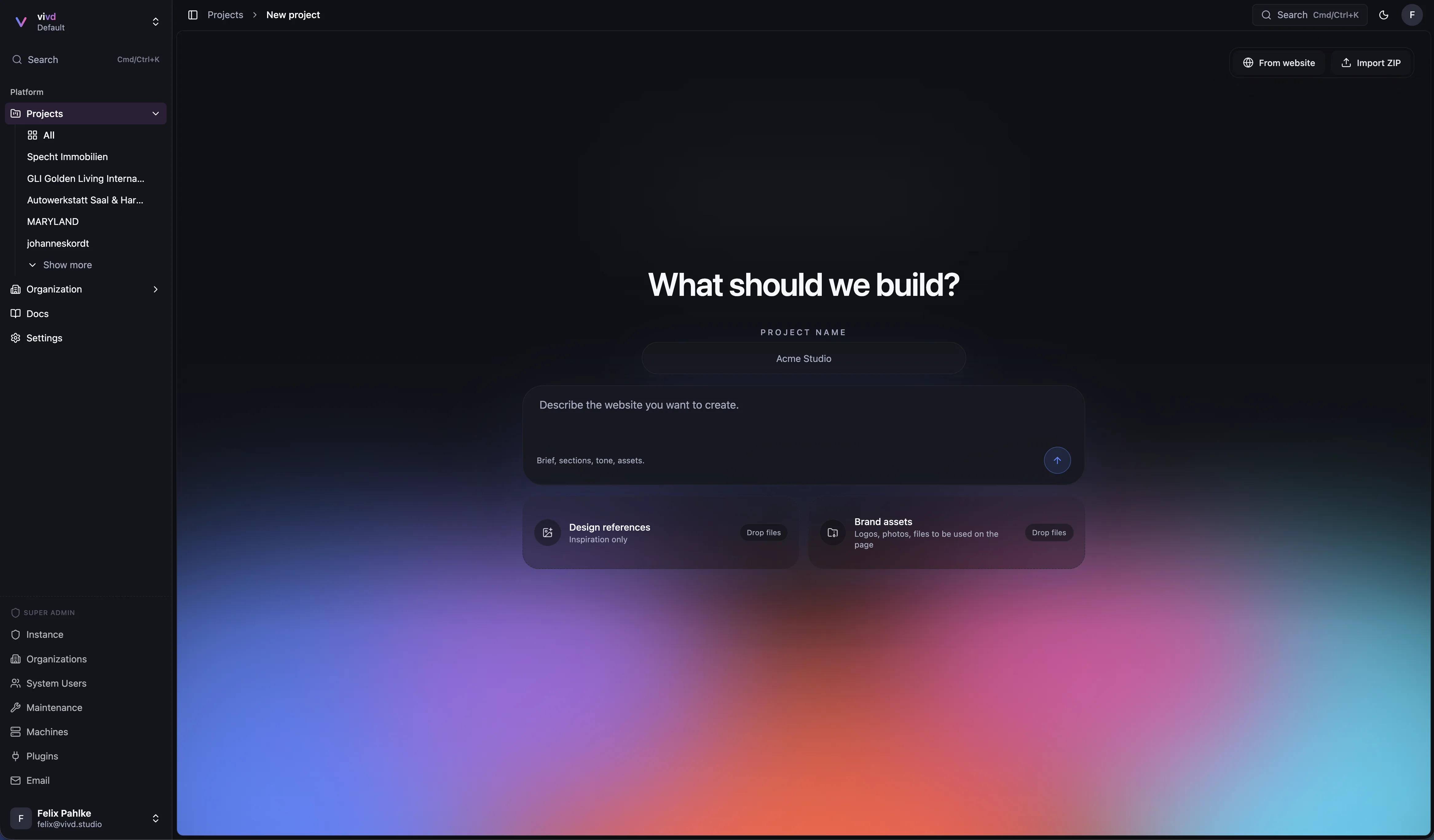
- Open Vivd and click New project.
- Start with the scratch flow by default, or use From website / Import ZIP in the top-right of the scratch view if that fits better.
- Let Vivd generate the first version.
- Open the project in Studio and make the first round of refinements.
- Check your publish settings and finish the pre-publish checklist.
- Publish to your target domain.
Expected result
Section titled “Expected result”You end with a working draft in Studio and a clear path to a live domain without leaving the platform.
Choose the right starting point
Section titled “Choose the right starting point”- If you want the product-level capability overview first, read Features.
- Use Import an Existing Website when you already have a site and want a faster first draft.
- Use Create from Scratch when you are starting from business information, reference assets, and a desired direction.
What to do next
Section titled “What to do next”- Understand the runtime model in How Vivd Works.
- Learn how to iterate faster in Edit in Studio.
- Read Publish Your Site before connecting the final domain.
Try it
Ready to create your first project?
Open the app, click New project, and start with the scratch flow or switch to website import from the top-right of the scratch view.