
Import an Existing Website
URL import is the fastest way to get a first draft when you already have a public website.
Before you start
Section titled “Before you start”- Use a URL you control and are allowed to reuse.
- Pick a stable public page, usually the homepage.
- Prepare optional instructions for brand direction, tone, hero imagery, or layout focus.
- Click New project to open the scratch page.
- Use From website in the top-right of the scratch view.
- Paste the website URL.
- Confirm that you own the content or have rights to use it.
- Add optional custom instructions if you want to steer the first draft.
- Start generation and wait for the initial site draft.
What Vivd uses from the source site
Section titled “What Vivd uses from the source site”- Visible structure and content patterns.
- Existing copy and positioning as reference material.
- A baseline for navigation, sections, and media placement.
What you should review after generation
Section titled “What you should review after generation”- Brand accuracy, especially headlines and tone.
- Image quality and hero direction.
- Sections that should be merged, removed, or reordered.
- Contact information, legal text, and call-to-action wording.
Why some websites cannot be imported
Section titled “Why some websites cannot be imported”Some public websites still block automated browsing. Vivd’s URL import depends on the scraper service opening the source page in a real headless browser, so imports can fail even when the site loads normally in your own browser.
Common cases include:
403 Forbiddenresponses.- Cloudflare browser-verification or challenge pages.
- CAPTCHA or other “verify you’re human” flows.
- IP policies that block datacenter traffic.
When that happens, the failure is usually the source site’s protection policy, not that the URL is private or malformed.
Self-hosted workaround for blocked datacenter IPs
Section titled “Self-hosted workaround for blocked datacenter IPs”If you self-host Vivd, you can route the bundled scraper through a residential proxy:
PROXY_HOST=proxy.example.com
PROXY_PORT=823
PROXY_USERNAME=...
PROXY_PASSWORD=...
Set PROXY_HOST to enable proxying. PROXY_PORT defaults to 823, and
credentials are only sent when both PROXY_USERNAME and PROXY_PASSWORD are
set.
This is useful when the source site blocks datacenter IPs but still allows
normal residential traffic. It is an install-level scraper setting, not a
per-project field in the import dialog. If you run a separate scraper via
SCRAPER_URL, configure the proxy on that scraper deployment instead.
For the full env reference, see Self-Host Config Reference.
What happens right after import
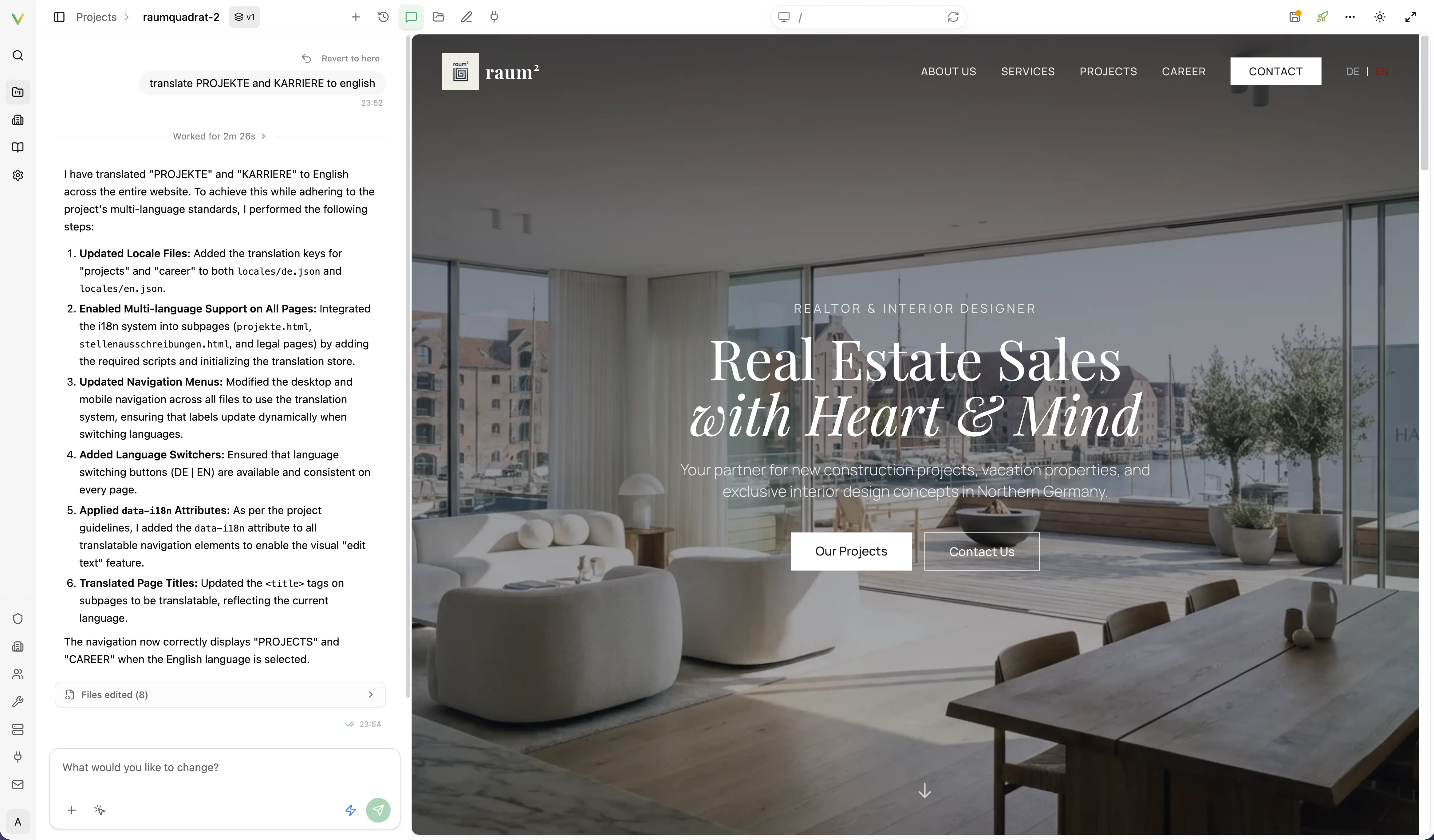
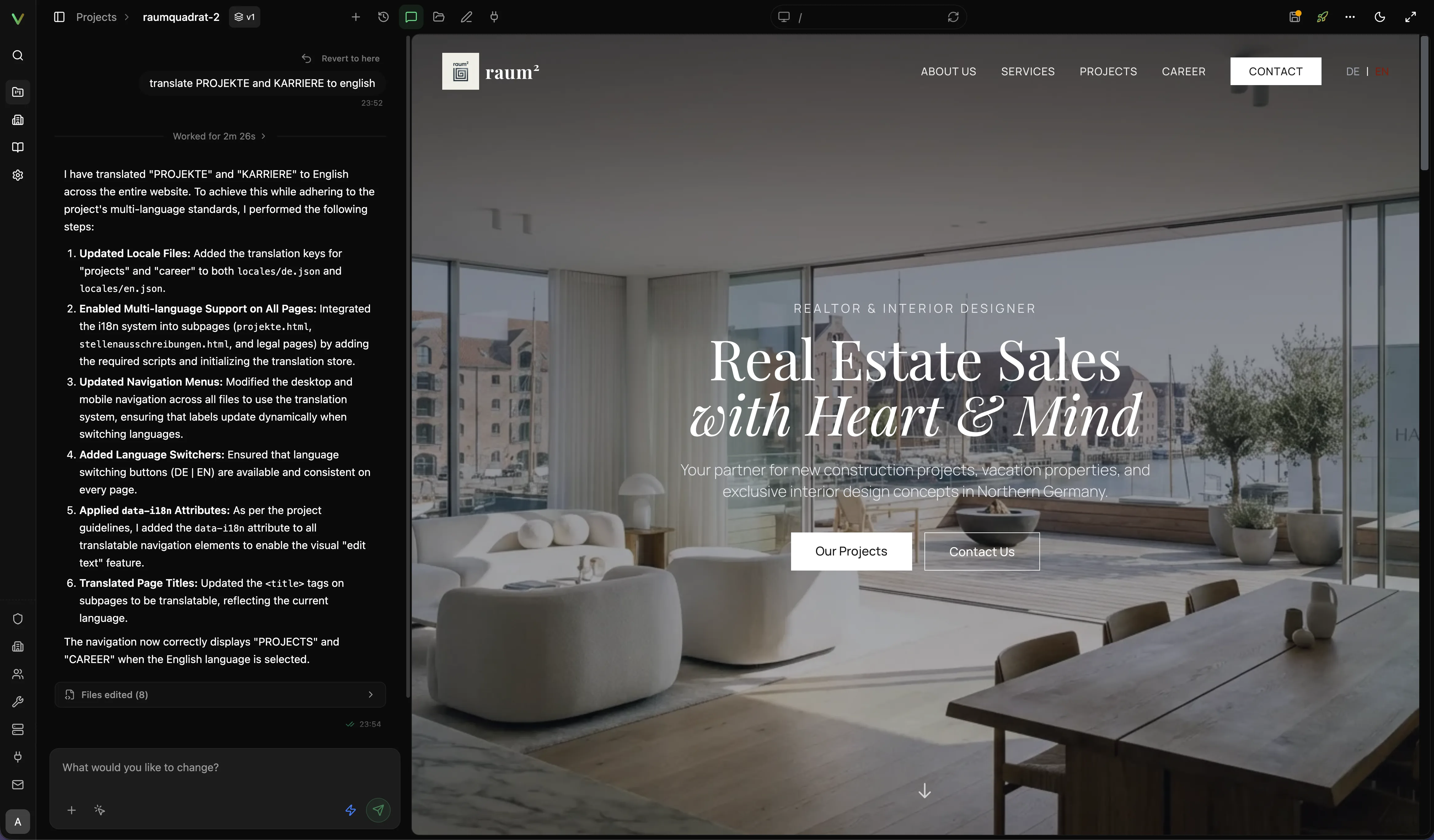
Section titled “What happens right after import”Vivd does not stop at scraping or copying structure. It turns the source site into a first draft, opens that result in the normal project workspace, and expects a focused Studio review pass before launch.
That means the first imported version should already be concrete enough to evaluate, but not be treated as final without checking the structure, content quality, imagery, and launch details.
Expected result
Section titled “Expected result”You should have a draft that is faster to evaluate than starting from a blank page, but still ready for a focused editing pass in Studio.
Next step
Section titled “Next step”Continue with Edit in Studio to refine the generated result before publishing.